
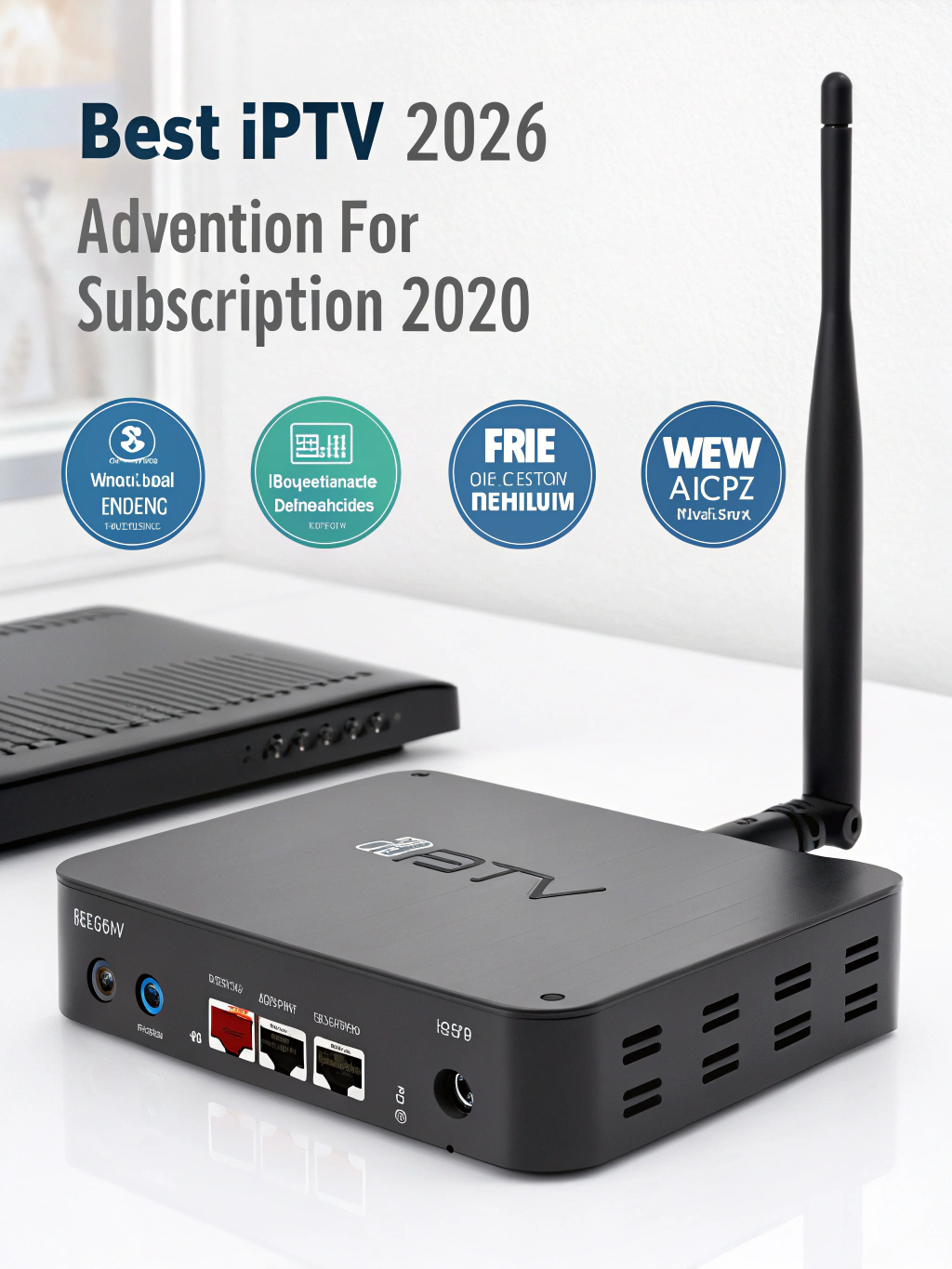
Best IPTV STB Box for IPTV Subscriptions in 2026
Are you tired of buffering, laggy streams, and unreliable television experiences? The secret to unlocking premium IPTV performance lies in choosing the right hardware. In 2026, the IPTV STB box market has evolved dramatically, offering viewers unprecedented streaming quality, lightning-fast channel switching, and seamless integration with modern IPTV services.
Whether you’re a cord-cutter seeking affordable entertainment or a sports enthusiast demanding real-time broadcasts, selecting the perfect set-top box can transform your viewing experience entirely.
This comprehensive guide explores everything you need to know about IPTV STB boxes in 2026. We’ll examine top-performing devices, essential features, setup procedures, and expert recommendations to help you make an informed purchasing decision.
What Is an IPTV STB Box?
An IPTV STB box, or Internet Protocol Television Set-Top Box, is a dedicated hardware device designed specifically for streaming television content over internet connections. Unlike traditional cable or satellite receivers, these devices decode digital signals transmitted through broadband networks.
The technology works by connecting to IPTV service providers who deliver live television channels, video-on-demand content, and time-shifted programming directly to your television. Modern IPTV STB box devices support various streaming protocols including HLS, RTMP, and MPEG-DASH.
These specialized boxes differ from general-purpose streaming devices because manufacturers optimize them exclusively for IPTV applications. They feature dedicated processors, enhanced memory configurations, and firmware specifically tuned for handling continuous live television streams without interruption.
The mag box series pioneered this category years ago, establishing standards that manufacturers still follow today. Current generation devices build upon this foundation while incorporating advanced technologies like 4K HDR support, Dolby Atmos audio, and artificial intelligence-powered upscaling.
Why IPTV STB Boxes Matter in 2026
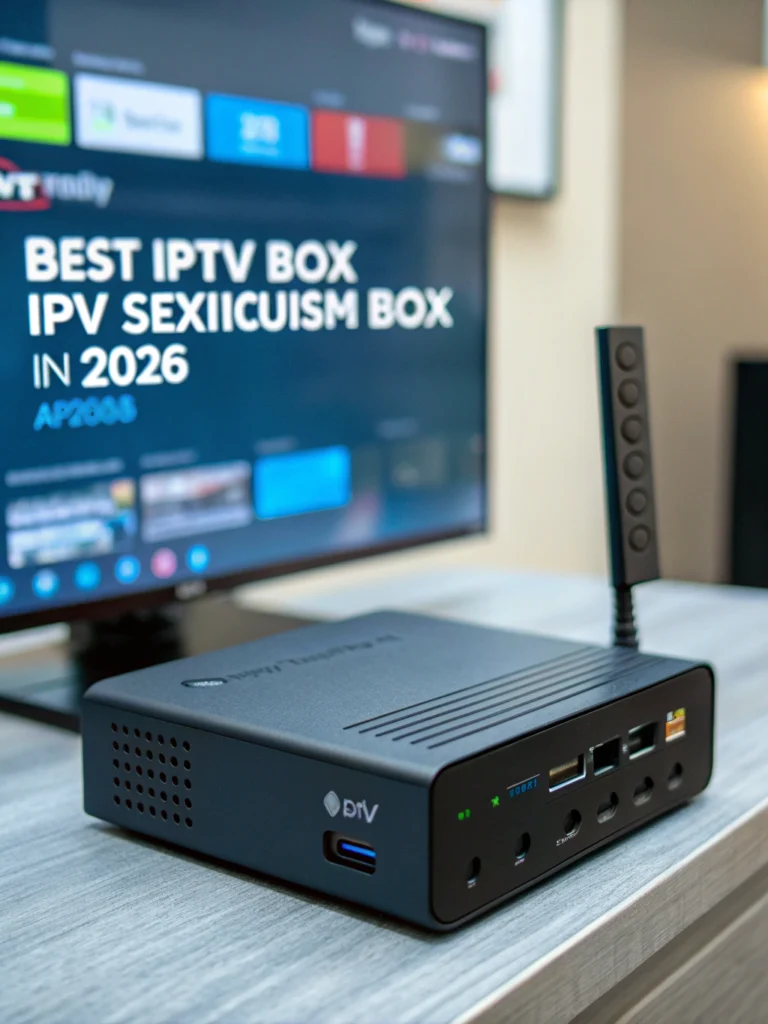
- Cord-cutters worldwide: Millions of households have abandoned traditional cable subscriptions, creating massive demand for reliable IPTV hardware solutions.
- Rising streaming quality expectations: Viewers now expect 4K resolution, minimal buffering, and instant channel changes as standard features.
- Cost-effective entertainment: IPTV subscriptions combined with quality hardware deliver premium content at fractions of traditional cable costs.
- Global content accessibility: Dedicated STB boxes enable access to international programming, sports packages, and niche channels unavailable through conventional providers.
- Smart home integration: Modern devices connect seamlessly with voice assistants, home automation systems, and multi-room setups.
The IPTV industry continues experiencing explosive growth. Market analysts project the sector will exceed $100 billion globally by 2027. This expansion drives innovation in hardware development, pushing manufacturers to create increasingly sophisticated devices.
Key Features to Look for in an IPTV STB Box
- Processing power: Quad-core or octa-core processors ensure smooth playback and rapid menu navigation. Look for devices featuring Amlogic S905X4 or newer chipsets.
- RAM and storage: Minimum 2GB RAM prevents stuttering during high-definition streams. Internal storage of 16GB or higher accommodates apps and temporary caching.
- 4K HDR support: Future-proof your investment with devices supporting 4K resolution at 60fps alongside HDR10 and Dolby Vision formats.
- Dual-band WiFi: 5GHz wireless connectivity reduces interference and delivers faster, more stable connections essential for buffer-free streaming.
- Ethernet port: Wired connections remain superior for IPTV applications. Gigabit Ethernet ensures maximum bandwidth utilization.
- EPG compatibility: Electronic Program Guide support provides television-like channel browsing experiences with scheduling information.
- Multiple format support: Versatile devices handle M3U playlists, Xtream Codes API, Stalker Portal, and various other IPTV protocols.
- Regular firmware updates: Manufacturers committed to ongoing software development ensure long-term device viability and security.
Top IPTV STB Box Options for 2026
The market offers numerous choices, but certain devices consistently outperform competitors. Understanding each option’s strengths helps match hardware to your specific requirements.
MAG 544w3 Series
The legendary MAG series continues dominating the dedicated IPTV hardware segment. The 544w3 model features ARM Cortex-A53 quad-core processing, 1GB RAM, and built-in dual-band WiFi. Its Linux-based operating system provides rock-solid stability specifically optimized for Stalker middleware platforms.
Professional IPTV providers frequently recommend MAG devices due to their reliability and straightforward configuration. The interface remains simple yet effective, prioritizing streaming performance over flashy features.
Formuler Z11 Pro Max
Formuler represents the premium tier of IPTV STB box devices. The Z11 Pro Max incorporates Android 11, 4GB RAM, and 32GB storage. Its proprietary MyTVOnline 3 application delivers exceptional user experiences with customizable interfaces.
This device excels for users wanting both dedicated IPTV functionality and Android app flexibility. The included Bluetooth voice remote enhances navigation convenience significantly.
BuzzTV XRS 4900
BuzzTV carved its niche by focusing exclusively on North American markets. The XRS 4900 features impressive specifications including 4GB RAM, 128GB storage, and Android 11. Its custom launcher provides intuitive IPTV-focused navigation.
The IPTV box USA market particularly favors BuzzTV products due to excellent customer support and regular software updates tailored to regional requirements.
Dreamlink T3 Ultimate
Dreamlink devices offer exceptional value propositions. The T3 Ultimate combines capable hardware with the renowned DOL2 application. This middleware supports multiple IPTV connections simultaneously, enabling easy switching between providers.
Android-Based Alternatives
Generic IPTV box Android devices provide budget-friendly entry points. Brands like X96, H96, and TX series offer decent performance at lower price points. However, they typically require more technical configuration and may lack optimized IPTV software.
In-Depth Performance Analysis
Real-world performance varies significantly between device categories. Understanding these differences prevents disappointing purchases.
Channel switching speed represents perhaps the most critical performance metric. Dedicated IPTV boxes like MAG devices typically switch channels in under two seconds. Generic Android boxes may require four to six seconds, creating frustrating viewing experiences.
Consider a sports fan watching multiple games simultaneously. Rapid channel switching becomes essential for catching crucial moments across different broadcasts. Premium IPTV STB boxes make this seamless, while budget alternatives create noticeable delays.
Buffer management also differs dramatically. Purpose-built devices incorporate sophisticated buffering algorithms that preload content intelligently. They maintain stable playback even during minor network fluctuations that would cause generic devices to stutter or freeze.
The IPTV firebox category demonstrates this clearly. Devices specifically engineered for streaming handle variable bitrate content more gracefully than repurposed general computing hardware.
Heat management affects long-term reliability. Quality IPTV boxes feature proper thermal designs allowing continuous operation. Cheaper alternatives may throttle performance or fail prematurely due to inadequate cooling solutions.
Step-by-Step Setup Guide for Your IPTV STB Box
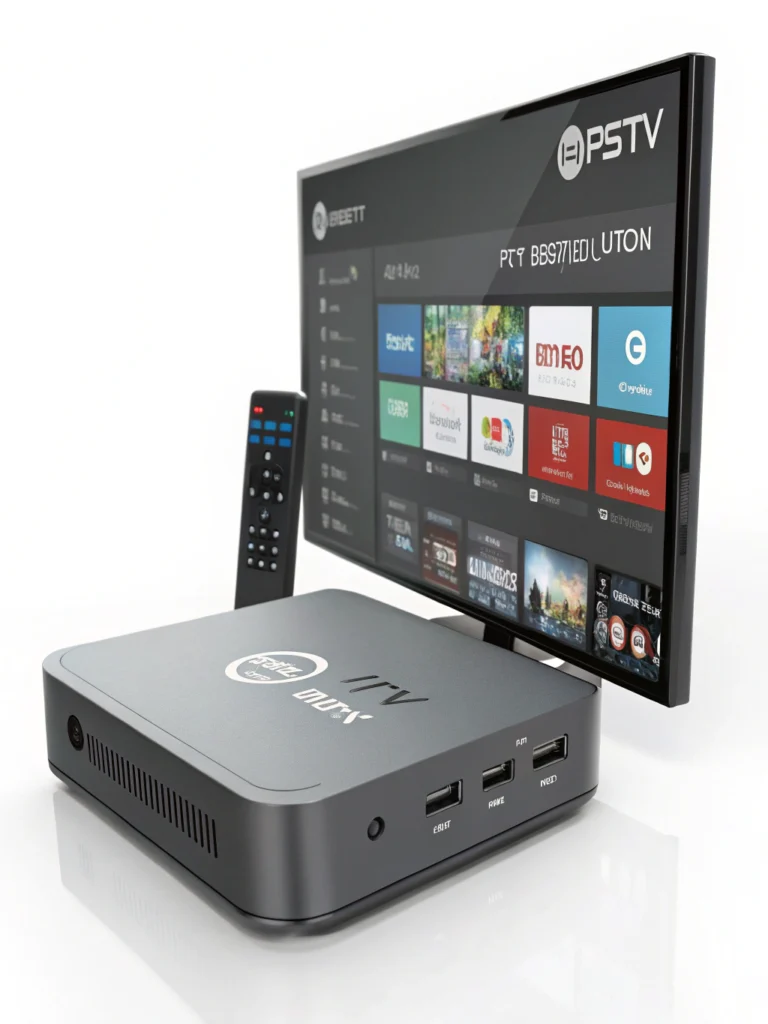
- Physical connection: Connect your IPTV STB box to your television using the included HDMI cable. For optimal performance, use HDMI 2.0 or higher cables supporting 4K resolution. Connect the power adapter and position the device where it receives adequate ventilation.
- Network configuration: Access network settings through the device menu. For best results, connect via Ethernet cable directly to your router. If using WiFi, select your 5GHz network and enter credentials. Test connection speeds to ensure adequate bandwidth for your desired streaming quality.
- Portal or app configuration: Enter your IPTV provider’s portal URL or server information. For Stalker-based services, input the portal address in device settings. For Xtream Codes services, enter server URL, username, and password in your preferred IPTV application.
- EPG and channel organization: Allow the Electronic Program Guide to download completely. This process may take several minutes depending on your provider’s channel count. Organize favorites and create custom channel lists for convenient access.
- Video output optimization: Configure resolution settings matching your television’s capabilities. Enable HDR if supported. Adjust audio output settings for your sound system configuration.
- Testing and troubleshooting: Test multiple channels across different categories. Verify both standard definition and high definition streams function correctly. Check recording functionality if your service supports it.
Pros and Cons of Dedicated IPTV STB Boxes
- Pros:
- Optimized specifically for IPTV streaming applications
- Superior channel switching speeds compared to generic devices
- Better buffer management and stream stability
- Simpler setup processes for non-technical users
- Longer operational lifespan due to focused functionality
- Professional support from specialized manufacturers
- Regular firmware updates addressing IPTV-specific issues
- Cons:
- Higher initial purchase costs than generic alternatives
- Limited functionality beyond IPTV applications
- Some devices restrict third-party app installations
- Proprietary software may limit provider flexibility
- Replacement parts and repairs can prove difficult
Frequently Asked Questions
What internet speed do I need for IPTV streaming?
Minimum 25 Mbps supports standard HD streaming reliably. For 4K content, 50 Mbps or higher ensures buffer-free playback. Consider that multiple household devices sharing bandwidth require proportionally faster connections.
Can I use a regular Android TV box for IPTV?
Yes, but dedicated IPTV STB boxes deliver superior performance. Generic Android devices work adequately for casual viewing but may struggle with extended use or demanding content like sports broadcasts.
How long do IPTV boxes typically last?
Quality devices from reputable manufacturers typically function reliably for four to six years. Cheaper alternatives may fail within one to two years due to inferior components and thermal management.
Do IPTV boxes require subscriptions?
The hardware itself requires no subscription. However, you need an active IPTV service subscription to access content. The box simply decodes and displays streams from your chosen provider.
Is using an IPTV box legal?
IPTV hardware is completely legal. Legality concerns relate to content sources rather than equipment. Ensure your IPTV service provider operates legitimately and holds appropriate broadcasting rights.
Can I connect multiple TVs to one IPTV box?
Each television requires its own IPTV box for independent viewing. Some providers offer multi-connection subscriptions allowing simultaneous streams on different devices.
Best Alternatives and Competitors
Amazon Fire TV Stick 4K Max: Excellent budget option supporting various IPTV applications. Lacks dedicated IPTV optimization but offers tremendous app ecosystem flexibility.
NVIDIA Shield TV Pro: Premium Android TV device with exceptional processing power. Ideal for users wanting both IPTV and gaming capabilities in single hardware.
Apple TV 4K: Superior build quality and interface design. Limited IPTV app availability compared to Android alternatives but excellent for users within Apple ecosystems.
Roku Ultra: User-friendly interface with broad streaming app support. IPTV functionality requires sideloading applications, reducing convenience.
Expert Tips and Insights
Invest in quality networking equipment. Even the best IPTV STB box performs poorly with inadequate routers or modems. Consider mesh WiFi systems for large homes or powerline adapters for difficult wireless environments.
Use wired connections whenever possible. Ethernet connections eliminate wireless interference issues that cause buffering. A simple cable investment dramatically improves streaming reliability.
Configure DNS settings manually. Using optimized DNS servers like Cloudflare (1.1.1.1) or Google (8.8.8.8) can improve connection speeds and reduce buffering incidents.
Maintain your device regularly. Clear cache periodically, restart the box weekly, and install firmware updates promptly. These simple maintenance tasks prevent performance degradation.
Test before committing. Many IPTV providers offer trial periods. Use these opportunities to evaluate service quality with your specific hardware before purchasing long-term subscriptions.
Common Mistakes to Avoid
- Choosing based solely on price: Ultra-cheap devices often disappoint with poor performance and short lifespans. Invest moderately in quality hardware that delivers reliable long-term value.
- Ignoring network requirements: Many users blame their IPTV box for problems actually caused by inadequate internet connections or poor WiFi coverage. Verify network performance before troubleshooting hardware.
- Overlooking provider compatibility: Not all IPTV boxes support every provider’s platform. Confirm your chosen device works with your intended service before purchasing.
- Skipping firmware updates: Outdated software causes security vulnerabilities and performance issues. Enable automatic updates or check manually monthly.
- Neglecting heat and ventilation: Continuous streaming generates heat. Placing your IPTV STB box in enclosed cabinets or stacking it with other electronics leads to overheating, throttling, and premature hardware failure. Always ensure proper airflow.
- Expecting “plug-and-play” perfection: While modern IPTV boxes are far easier to set up than before, minor configuration is still required. Taking time to optimize settings dramatically improves performance and reliability.
Conclusion: Choosing the Best IPTV STB Box in 2026
In 2026, the IPTV STB box is no longer a luxury it’s a necessity for anyone serious about high-quality streaming. With the right device, IPTV delivers smoother playback, faster channel switching, and better overall reliability than generic streaming hardware or outdated cable equipment.
Dedicated IPTV boxes like MAG, Formuler, and BuzzTV continue to lead the market thanks to their optimized firmware, stability, and IPTV-focused design. Android-based alternatives offer flexibility and affordability, but often require more technical knowledge and compromise on performance.
The best choice ultimately depends on your viewing habits. Sports fans and heavy live-TV users benefit most from purpose-built IPTV STB boxes, while casual viewers may find Android options sufficient. Pair your device with a reputable IPTV subscription, a stable high-speed internet connection, and proper network setup to unlock the full potential of modern IPTV.
By avoiding common mistakes and following expert recommendations, you can enjoy a seamless, cable-free television experience that rivals or surpasses traditional broadcasting. With the IPTV ecosystem continuing to evolve, investing in the right STB box today ensures you’re ready for the future of streaming entertainment.